
Text sharpness test page
Resolution numbers on a printer box are a claim about dots, not about legibility. This sheet is the practical version: one line of text set at 12pt, 10pt, 8pt, 6pt and 4pt. Read down until the letters break up. That size is your printer’s floor on that paper, and it is a more useful number than the dpi figure.
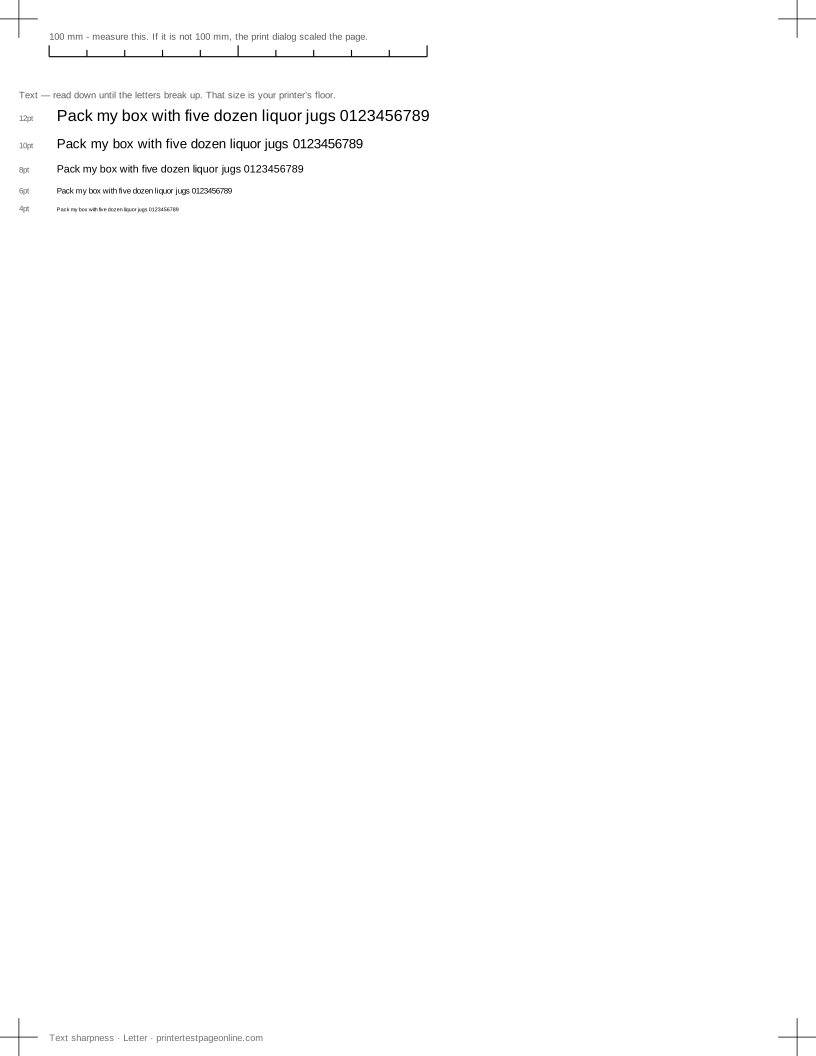
What this sheet prints
| Block | Height | Inks used | Shows |
|---|---|---|---|
| Registration marks | 12 mm | C, M, Y, K | The grid lines or registration marks do not line up; The crop marks or edges are cut off |
| Text sharpness | 30 mm | K | Small text is fuzzy or has a shadow beside it; Ink or toner smudges when you touch it |
The sheet uses 48 mm of the 269.4 mm printable height on Letter, inside a 5 mm margin — the tightest edge most consumer printers can hold. It is also available as a Letter PDF and an A4 PDF.
What to look for
Work down the sizes and watch three things: whether the counters — the enclosed spaces in a, e and o — stay open, whether the thin strokes survive, and whether the letters keep their spacing instead of running together. A printer that fills in the counters at 6pt is laying down too much ink for that paper.
A faint shadow beside every letter, rather than a general softness, is an alignment fault rather than a resolution limit. Print the alignment page and read its vernier.
Paper matters more than people expect
Uncoated and recycled papers wick ink sideways into the fibres, which thickens every stroke and closes the counters a size or two earlier than a coated paper would. If small text matters to you, print this sheet on the paper you actually use and on a better sheet, and compare. The difference is often larger than the difference between two printers.
Driver settings that change the answer
Draft mode halves the dot density and is the single biggest factor in small-text quality. The media type setting is the second: telling the driver it is printing on plain paper when it is loaded with coated stock, or the reverse, changes how much ink goes down and how long it is given to dry. Set both correctly, reprint, and compare the two sheets.
Other test pages
- Laser printer test page
- Printer test page PDF
- Color printer test page
- Black and white printer test page
- CMYK test page
- Grayscale test page
If the sheet shows a fault
Frequently asked questions
What point size should I be able to print?
A healthy modern inkjet or laser should keep 6pt text legible on plain paper and 4pt legible on coated. If yours breaks up at 8pt, something is wrong rather than merely cheap.
Why is my text fuzzy only in one direction?
Softness in one axis is a mechanical signature: horizontal softness points at head alignment or carriage movement, vertical softness at the paper feed.