
Grayscale test page
A grayscale ramp is the most sensitive quality test on a single sheet. It steps from paper white to solid black in eleven stages, and the eye is very good at spotting a step that is out of sequence or a band running through one.
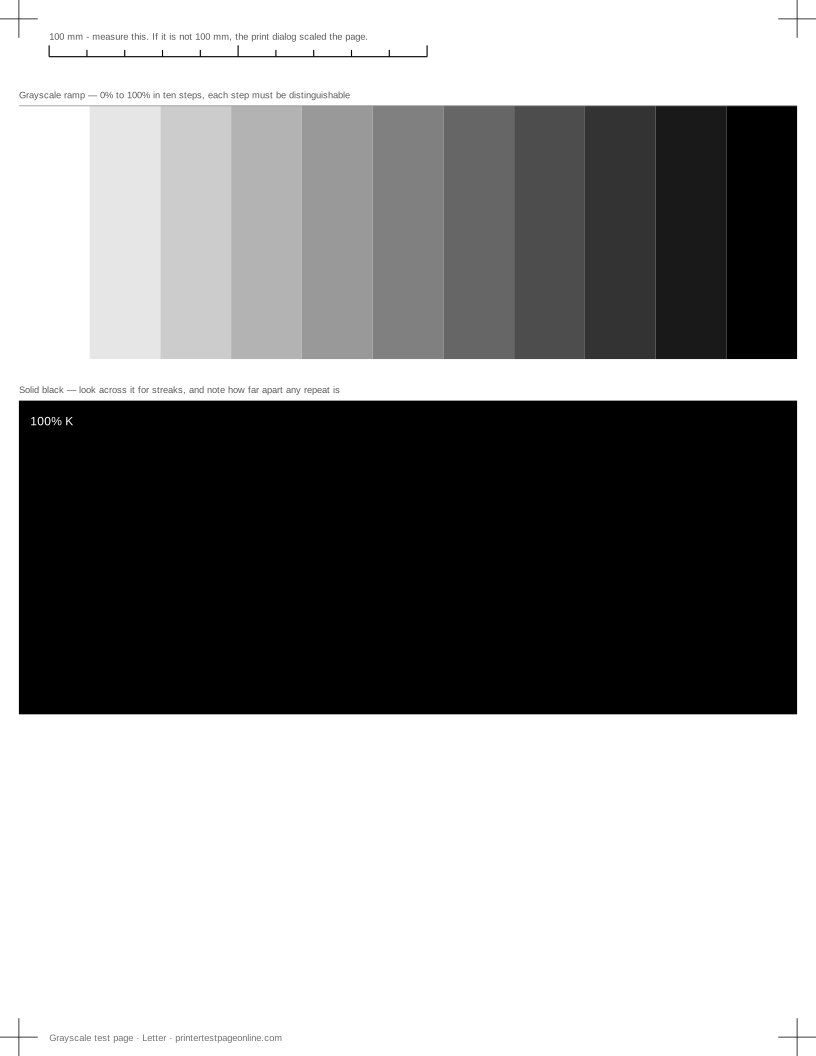
Print it when you are judging photo quality, when a print looks flat, or when you want to check a new cartridge against the old one.
What this sheet prints
| Block | Height | Inks used | Shows |
|---|---|---|---|
| Registration marks | 12 mm | C, M, Y, K | The grid lines or registration marks do not line up; The crop marks or edges are cut off |
| Grayscale ramp | 72 mm | K | Everything prints pale or washed out; Bands of uneven density in the ramp or colour fields |
| Solid black | 88 mm | K | Horizontal streaks or lines across the solid blocks; Bands of uneven density in the ramp or colour fields; Ink or toner smudges when you touch it |
The sheet uses 184 mm of the 269.4 mm printable height on Letter, inside a 5 mm margin — the tightest edge most consumer printers can hold. It is also available as a Letter PDF and an A4 PDF.
Every step has to be distinguishable
Start at the white end and work along. Each step should be clearly lighter than the one to its right. Two steps that look identical mean the printer has lost the ability to separate those densities, which shows up in photographs as flat sky or blocked-in shadow.
Merging at the dark end is the more common failure and usually means too much ink or toner: check the media type setting, because a photo-paper setting used on plain paper floods it. Merging at the light end points at draft mode, a low cartridge, or a printer that has dropped into an economy setting.
Finding banding
Banding is a density variation that runs across the direction of travel. It is invisible on text and obvious on a mid-grey step. Look along the ramp at a shallow angle. Regular bands at an even spacing point at the paper feed; irregular pale lines point at nozzles on an inkjet; a sharp repeated band on a laser points at a roller, and the repeat distance identifies which one.
Grey on a colour printer
Many colour printers build grey from cyan, magenta and yellow rather than from black alone, especially on plain paper. That is why a colour cast in the ramp is a useful signal: a ramp that drifts pink or green tells you one colour channel is weak even though this is a black and white sheet.
If your driver has a Black ink only or Grayscale option, printing this sheet both ways and comparing them tells you whether the colour channels or the black channel is at fault.
Keep a reference print
Print this sheet when the printer is working well, write the date on it, and keep it in the paper drawer. Print quality degrades slowly enough that nobody notices until it is bad, and a dated reference turns a vague "it used to look better" into a side-by-side comparison that takes ten seconds.
Other test pages
- Nozzle check test page
- Printer alignment test page
- Text sharpness test page
- Laser printer test page
- Printer test page PDF
- Color printer test page
If the sheet shows a fault
Frequently asked questions
Why does my gray print with a colour tint?
Most colour printers mix grey from colour inks on plain paper. A tint means one channel is printing weak or strong. Try the Black ink only setting in the driver: if the tint disappears, the fault is in a colour channel.
How many steps should I be able to see?
All eleven, including the difference between the 90% step and solid black. If the last two or three merge, the printer is putting down more ink than the paper can hold.