
Printer not printing black
Black failing while colour still prints is a specific fault with a short list behind it, and one item on that list catches almost everyone: many inkjets build black on plain paper out of the colour inks, so "no black" can actually mean "no cyan".
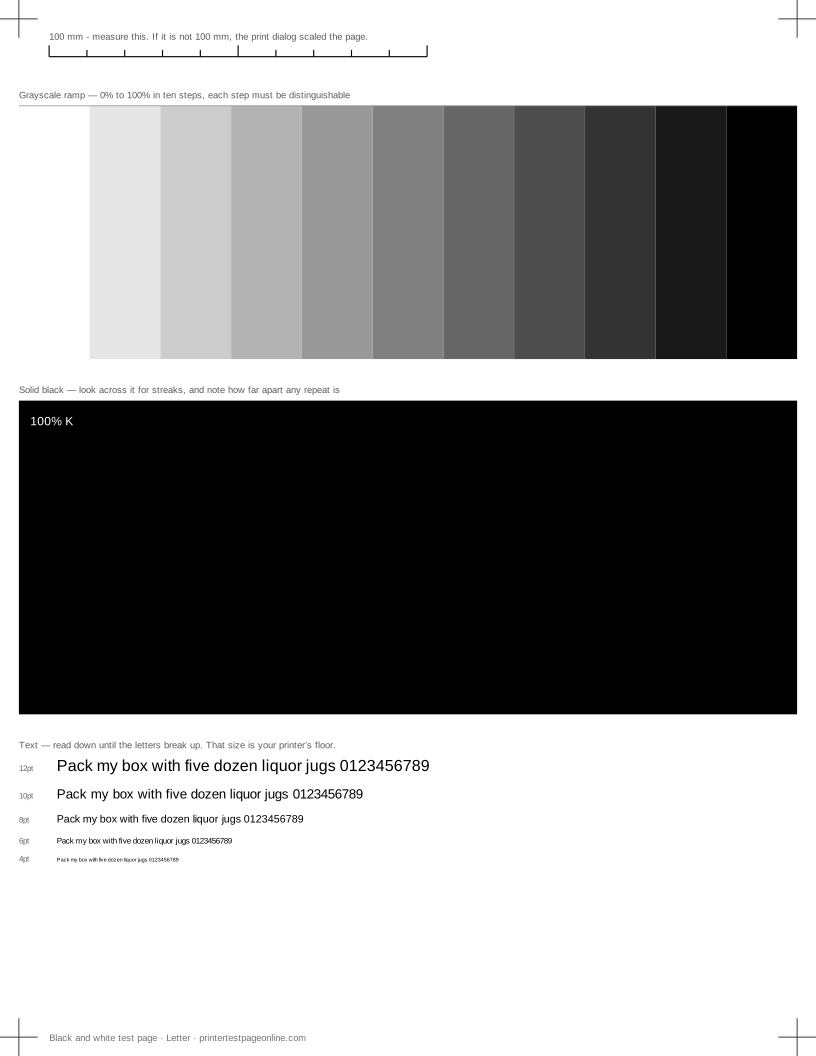
Print the black and white sheet below. The solid block and the grayscale ramp between them separate a supply problem from a blockage in a single look.
Composite black and why it confuses things
On plain paper, a lot of inkjets mix black from cyan, magenta and yellow rather than using the black cartridge, because composite black dries faster and costs the manufacturer nothing. When one colour channel fails, that composite black shifts or fades, and the obvious conclusion is that the black cartridge is dead when it has barely been touched.
The test is quick: print the CMYK sheet. If a colour bar is missing as well, fix that channel and the black problem usually goes with it. If all three colour bars are healthy and only black is bad, the black channel really is the problem.
Black prints grey or patchy
Grey rather than black points at density: draft mode, an economy setting, the wrong media type, or a cartridge running out. Set quality to Normal, match the media type to the paper, and reprint the solid black block — the difference is usually obvious.
Patchy black with pale lines through it is a blockage on an inkjet. Print the nozzle check, run one cleaning cycle for the black channel only where the printer allows it, and reprint. On a laser, patchy black is low toner or a failing drum, and rocking the cartridge gently tells you which.
No black at all
Reseat the black cartridge until it clicks, check for tape or a seal on the outlet, and reprint. If the nozzle check row for black is completely blank while the colour rows are fine, the channel is either clogged or the cartridge is not being recognised — a printer complaining about the cartridge rather than about ink levels points at recognition.
On pigment-black inkjets, the black used on plain paper and the black used on photo paper can come from different cartridges. If black is missing on documents but fine on photos, or the other way round, that is the explanation.
Black only fails in one application
If the test sheet prints perfect black and one program does not, the fault is above the printer. Check whether the document is using a "rich black" built from all four inks, whether the application is set to print in colour on a mono printer, and whether a PDF of the same file prints correctly. A file that prints right as a PDF and wrong from the application is an application problem.
Causes, cheapest first
Everything prints pale or washed out
| Cause | What to do | Applies to |
|---|---|---|
| The driver is set to draft or eco mode | Set quality to Normal or Best in the print dialog and reprint. | both |
| Ink or toner is low | Replace the low cartridge. Shaking a laser cartridge side to side buys a few more pages, not more. | both |
| The driver is set to the wrong paper type | Match the paper setting to what is loaded; plain-paper settings lay down less ink on photo stock and vice versa. | both |
Broken or missing lines in the nozzle-check grid
| Cause | What to do | Applies to |
|---|---|---|
| Dried ink is blocking some nozzles | Run one print-head cleaning cycle, print the nozzle check again, and stop after three cycles — more wastes ink and rarely helps. | inkjet |
| A cartridge is nearly empty | Check levels in the driver and replace the low cartridge before cleaning again. | both |
| Air has entered the ink line | Run a power clean (deep clean) once, then leave the printer idle for an hour and retest. | inkjet |
More troubleshooting
Frequently asked questions
Why is my printer printing colour but not black?
Either the black channel is clogged or unrecognised, or the printer is building black out of colour inks and one of those has failed. Print the CMYK sheet to tell the two apart.
Why does my black print look grey?
Draft or economy mode first, then the media type setting, then a low cartridge. Print the grayscale ramp with quality set to Normal and compare.
Can I print with just the black cartridge?
Some printers allow a black-only or grayscale mode; many refuse to print at all when any cartridge is empty, including colour cartridges on a black-only job. Whether you can is a firmware decision, not a hardware one.