
Printer smudging ink or toner
Smudging splits cleanly into two faults with two different fixes. Ink that smears when it is fresh is a drying problem. Toner that rubs off a page that has already cooled is a fusing problem, and no setting will fix it.
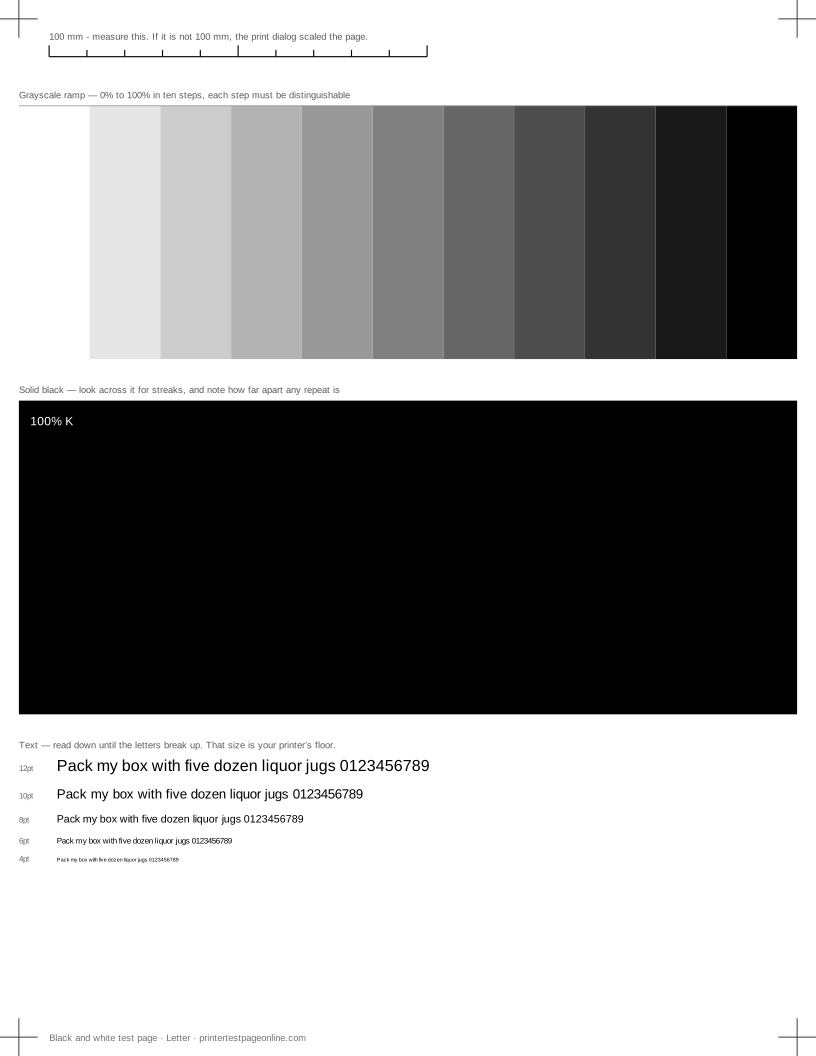
Print the black and white sheet below, let it cool for a minute, then run a thumb across the solid block.
Toner that rubs off
A laser printer fuses toner to the paper with heat and pressure. If a cooled page smudges, the fuser is not reaching temperature — that is a hardware fault, it gets worse rather than better, and on many printers the fuser is a user-replaceable wear part with a rated page count.
There is one non-hardware cause worth ruling out first: heavy or glossy stock printed on a plain-paper setting does not get enough heat. Set the media type correctly and reprint before concluding anything about the fuser.
Ink that smears while it is fresh
Inkjet output needs a moment to dry, and heavy coverage on coated stock needs longer than anyone expects. If pages smear as they stack, slow the job down, take pages off the output tray as they emerge, or switch the driver to a setting with a drying pause.
Smearing along the direction of travel usually means the print head is striking the paper: the media setting is telling the printer the paper is thinner than it is, or the paper is curled. A fresh, flat ream and the correct media setting fix most of it.
Fuzzy rather than smudged
Text that is soft rather than smeared is a different fault. Print the text sharpness sheet: if the letters lose their counters evenly at small sizes, it is resolution or draft mode; if each letter has a shadow on one side, it is head alignment; if the strokes look thickened and the paper is uncoated, the ink is wicking into the fibres and a better paper is the fix.
Dirty rollers and the paper path
Marks that land in the same place on every page, rather than where the print is, come from the paper path rather than the print itself. Ink or toner deposited on a roller transfers to each sheet that passes. Powering down, letting the printer cool and wiping the visible rollers with a dry lint-free cloth clears most of it. Never use solvent, and never put a vacuum near loose toner.
Causes, cheapest first
Ink or toner smudges when you touch it
| Cause | What to do | Applies to |
|---|---|---|
| The fuser is not reaching temperature (laser) | If toner rubs off a cooled page, the fuser is failing and needs replacing. | laser |
| The paper is heavier or glossier than the driver thinks | Set the correct media type so the printer adjusts drying time and heat. | both |
| The ink has not dried (inkjet, heavy coverage) | Let a heavy page sit for a minute before stacking it. | inkjet |
Small text is fuzzy or has a shadow beside it
| Cause | What to do | Applies to |
|---|---|---|
| The driver is printing at draft resolution | Set quality to Normal or Best. Draft halves the dot density and 6pt text is the first thing to go. | both |
| Bidirectional alignment is off (inkjet) | A shadow on one side of every letter is a classic alignment miss. Run head alignment and reprint this sheet. | both |
| Ink is spreading into the paper | Uncoated or recycled stock wicks ink. Match the driver’s media setting, or test on the paper you actually care about. | both |
More troubleshooting
Frequently asked questions
Why does my laser printer smudge?
If toner rubs off a page that has cooled, the fuser is not reaching temperature. Check the media type setting first, then treat the fuser as the part.
How long does inkjet ink take to dry?
A plain-paper page is dry within seconds; a heavy photo page on coated stock can take a minute or more. If pages smear as they stack, take them off the tray as they come out.
Why are there marks in the same place on every page?
Something on the paper path is transferring ink or toner. Power down, let the printer cool, and wipe the visible rollers with a dry lint-free cloth.