
How to print a test page on Windows
Windows has its own test page, and it is worth knowing exactly what it proves: that the driver is installed and the computer can reach the printer. It prints a logo, a font sample and a block of driver details. That is a genuinely useful thing to establish, and it is not a print-quality test — there is no nozzle grid, no alignment vernier and no measured ruler on it.
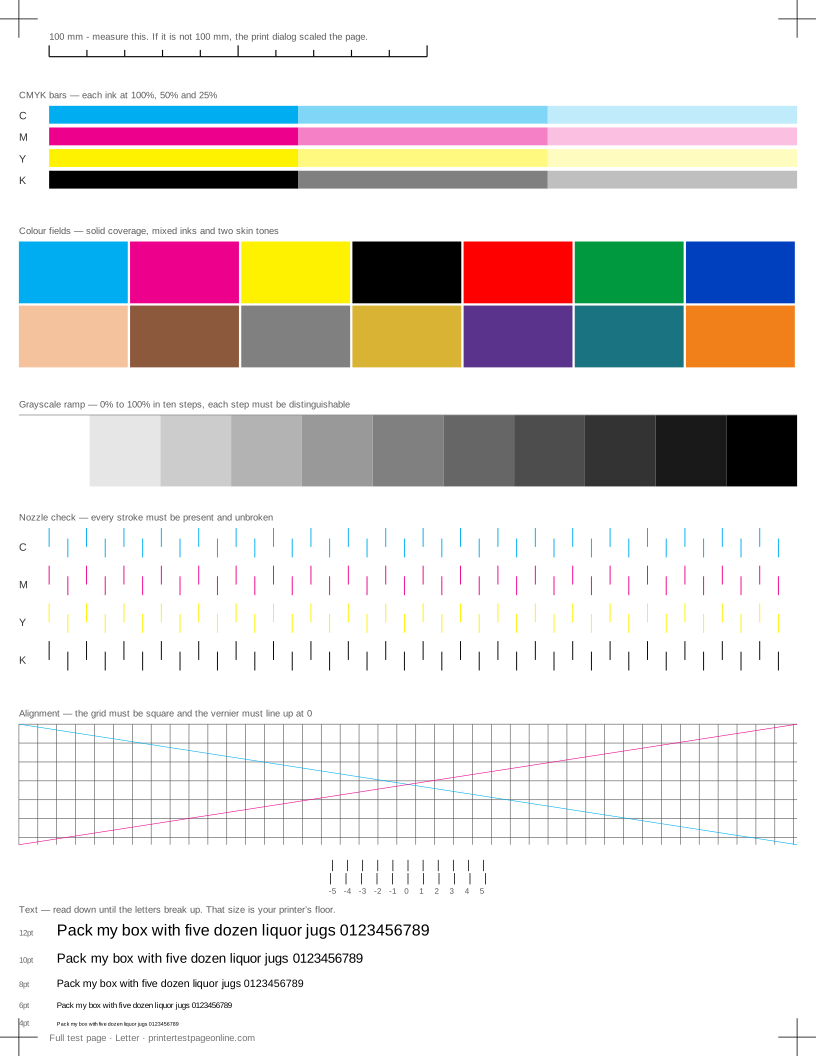
Print the Windows page when you are diagnosing a connection or driver problem. Print the sheet below when the complaint is about how the print looks.
Windows 11
Open Settings, then Bluetooth and devices, then Printers and scanners. Select your printer, open Printer properties, and on the General tab press Print Test Page. If the button is greyed out, the driver is in a bad state — remove the printer and add it again.
If the page never arrives, open the print queue from the same screen and look for a stalled job at the front. Cancel everything in the queue and try once more before touching the driver.
Windows 10
Open Settings, then Devices, then Printers and scanners. Select the printer, choose Manage, then Printer properties, and press Print Test Page on the General tab. The Control Panel route — Devices and Printers, right-click the printer, Printer properties — reaches the same dialog and still works on both versions.
What the Windows test page tells you
A Windows test page that prints correctly proves the driver, the queue, the connection and the printer’s basic operation. If it prints and your documents do not, the fault is in the application or the file rather than the printer.
A Windows test page that prints with streaks, missing colours or fuzzy text proves the path works and the print quality does not, which is where a fuller sheet takes over.
Common Windows-specific problems
A queue that shows "Printing" and never moves usually needs the Print Spooler service restarted. A printer that reports offline while switched on is a communication state rather than a fault. A page that prints at the wrong size almost always comes from a mismatch between the paper in the tray and the size set in the driver, and the ruler on our test sheet makes that visible immediately.
More troubleshooting
Frequently asked questions
How do I print a test page in Windows 11?
Settings, Bluetooth and devices, Printers and scanners, select the printer, Printer properties, then Print Test Page on the General tab.
Where is Printer properties in Windows 10?
Settings, Devices, Printers and scanners, select the printer, then Manage, then Printer properties. The Control Panel route works too.
The Windows test page prints fine but my documents do not. Why?
The printer, driver and connection are all working, so the fault is in the application or the document — check its page size, its colour settings and whether it is being sent to a different printer.