
Printer printing lines and streaks
Lines are the most common print-quality complaint and the one where guessing costs the most, because the same symptom comes from a five-minute cleaning cycle on one printer and a drum unit on another. The way to tell them apart is to print a solid black block and look at how the lines behave.
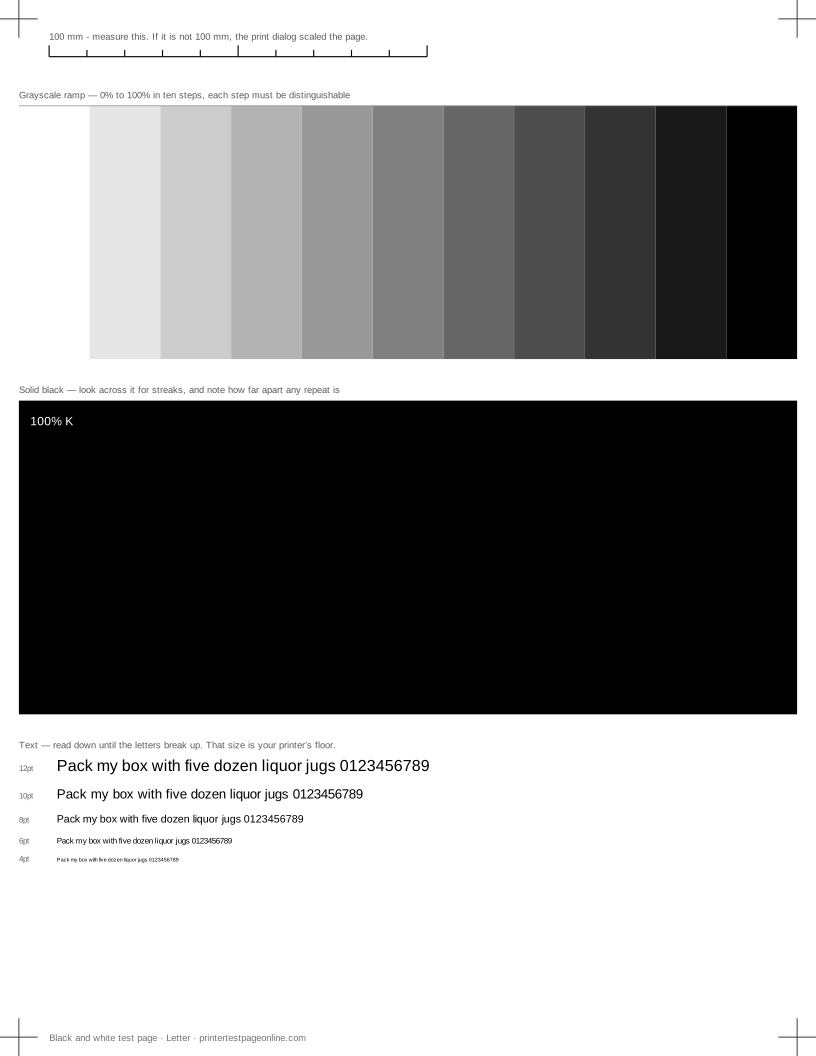
Print the black and white test page below, then work through this in order.
Which way do the lines run?
Lines running across the page, at right angles to the direction the paper travels, are the classic inkjet nozzle symptom: a blocked nozzle leaves a gap on every pass. Print the nozzle check to confirm, then run one cleaning cycle.
Lines running down the page, in the direction of travel, point at something rubbing: a scratch on a drum, debris on a roller, or a mark on the glass if you are copying rather than printing. On an inkjet, a down-the-page line can also mean the head is striking the paper, which happens when thick stock is loaded on a plain-paper setting.
Measure the repeat on a laser
This is the step that saves money. Laser components are cylinders, so a defect on one repeats down the page at that part’s circumference. Find the same mark twice on the solid black block and measure between them with a ruler.
A short repeat in the region of 25 to 50 mm usually comes from a developer or charge roller. Around 75 to 95 mm is typically the drum. A long repeat approaching 120 mm or more is usually the fuser. Exact figures vary by model, and your printer’s service documentation lists them — but the measurement narrows it to one part before you order anything.
Banding is not the same as streaking
Banding is a broad variation in density rather than a sharp line, and it shows best on the grayscale ramp. Even bands that repeat at a regular interval usually mean the paper is not feeding smoothly — reload a fresh square stack and do not mix paper weights. Irregular pale bands on an inkjet mean nozzles. Bands that appear as toner runs low mean exactly that.
What to do, and in what order
On an inkjet: nozzle check, one cleaning cycle, nozzle check again, and stop after three cycles. Then head alignment, because a misaligned head produces soft pale lines that look like blockage. Then the paper path, and finally the cartridge.
On a laser: clean the paper path of dust with a dry lint-free cloth, measure the repeat, then replace the part the measurement identifies. Swapping toner for a drum fault is the most common wasted purchase in office printing.
Causes, cheapest first
Horizontal streaks or lines across the solid blocks
| Cause | What to do | Applies to |
|---|---|---|
| Partially clogged nozzles (inkjet) | Run one cleaning cycle and reprint the solid-black block. | inkjet |
| A marked drum or dirty transfer roller (laser) | Note how far apart the lines repeat — a regular repeat points at a roller of that circumference. Replace the drum unit if the repeat matches it. | laser |
| Paper dust or debris on the print path | Power off, open the paper path and clear dust with a dry lint-free cloth. | both |
Bands of uneven density in the ramp or colour fields
| Cause | What to do | Applies to |
|---|---|---|
| The print head is out of alignment | Run the printer’s head-alignment routine, then print the alignment page here to check the result. | both |
| The paper is feeding unevenly | Reload a fresh stack, square it to the guides, and do not mix paper weights. | both |
| Ink or toner is running low | Check levels; a failing toner cartridge bands before it stops. | both |
More troubleshooting
Frequently asked questions
Why is my printer printing horizontal lines?
On an inkjet, blocked nozzles are the usual cause — run the nozzle check and one cleaning cycle. On a laser, measure how far apart the lines repeat, because that spacing identifies which roller or drum is at fault.
Why are there vertical lines down my prints?
Something is rubbing: a scratched drum, debris in the paper path, or a print head striking thick paper loaded on a plain-paper setting.
Will a new cartridge stop the lines?
On a printer whose head is built into the cartridge, often yes. On an Epson, most Canon tank models and most lasers, no — the fault is in a part that stays with the printer.