
Epson printer test page
Epson printers use a fixed printhead rather than a head built into each cartridge, which changes everything about how you treat a blockage. A new cartridge will not fix a clog on an Epson, because the head stays with the printer. That makes the nozzle check the single most valuable page an Epson owner can print, and it is why this page opens on that test.
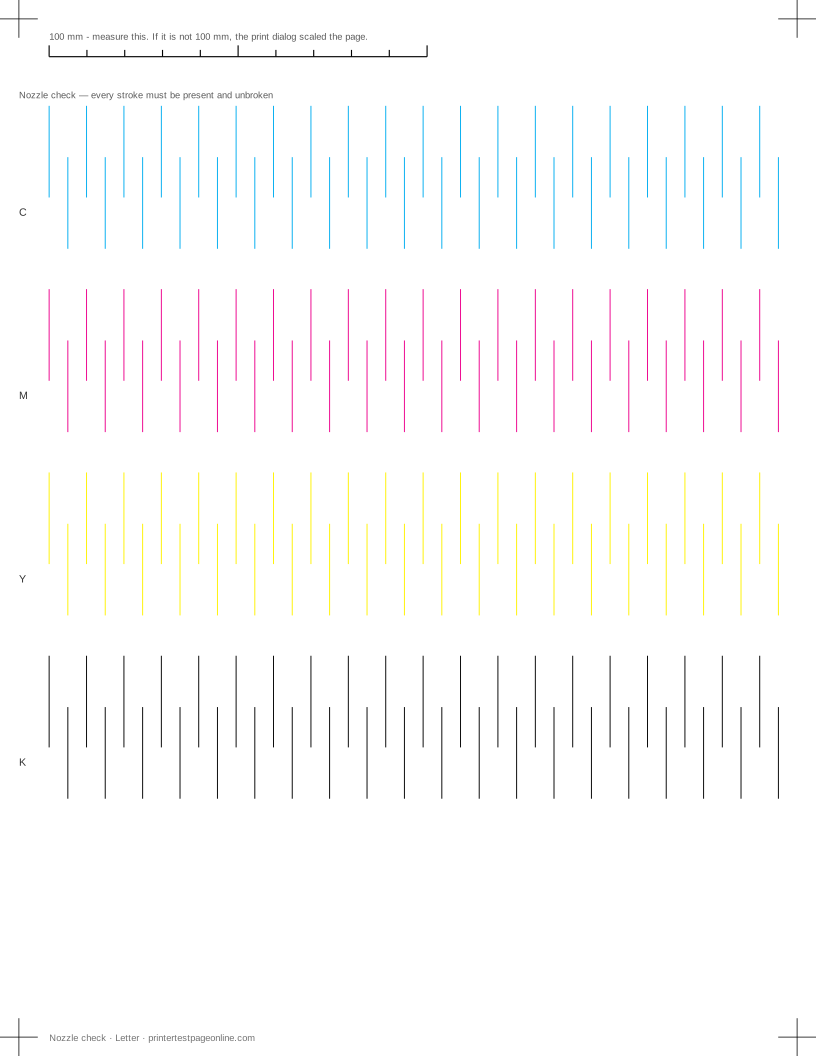
It applies to EcoTank, Expression, WorkForce and SureColor models alike — the menus differ, the diagnosis does not.
Epson’s own nozzle check
On a printer with a screen, it is under Maintenance or Setup, then Print Head Nozzle Check. On Windows, it is in the Epson printer utility on the Maintenance tab. On macOS, it is in Printers and Scanners, then Options and Supplies, then Utility.
Epson prints a grid pattern of small blocks rather than the row of strokes used here. Both answer the same question: every segment present and unbroken means the head is clear. Print Epson’s version for the model-specific nozzle map and the sheet here for a dated record you can compare against next month.
Head cleaning and power cleaning
Regular head cleaning is the one to use. Power Cleaning, sometimes called Deep Cleaning or Ink Charging, uses a very large amount of ink — on some models a noticeable fraction of a full set — and Epson’s own guidance is to use it only after regular cleaning has failed several times.
The sequence that costs least: one regular clean, nozzle check, a second regular clean if it improved, nozzle check, then leave the printer on and idle overnight before trying again. Power clean is the last resort, not the second step.
EcoTank and the ink lines
EcoTank models carry ink in tanks connected to the head by tubes, and air in those tubes produces exactly the same pattern on a nozzle check as a clogged nozzle. If the tanks are full, the head is clean and a channel is still missing, an air lock is the likely cause, and Epson’s ink charging routine is the fix for it.
Keeping an EcoTank’s tanks above the lower line matters more than it does on a cartridge printer, because running a tank dry pulls air into the line rather than simply stopping.
Why Epsons clog when they sit
Epson’s pigment and dye inks dry in the nozzles when the printer is unused, and the head is capped only if the printer is shut down properly with its own power button. Switching an Epson off at the wall, or at a switched extension lead, leaves the head uncapped and is the most common cause of a printer that worked in spring and is blocked by autumn.
Printing the nozzle check page once a month is enough to keep every channel moving. It costs a fraction of one cleaning cycle.
Other brands
If the sheet shows a fault
Frequently asked questions
How do I run a nozzle check on an Epson printer?
On the printer: Maintenance, then Print Head Nozzle Check. From a computer: the Epson printer utility on Windows, or Printers and Scanners then Utility on macOS. Or print the nozzle check sheet on this page, which needs no Epson software.
How many times can I clean an Epson print head?
Three regular cleanings in a session is the practical limit. Beyond that you are spending ink with very little chance of a different result — leave the printer idle overnight and try once more instead.
Will a new cartridge fix a blocked Epson?
No. The printhead is part of the printer, not the cartridge, so a blockage stays where it is. Replace the cartridge only when the ink is actually out.