
Printer paper jams
A jam is mechanical, so the diagnosis is mechanical too: where the sheet stops tells you which part stopped it. Clearing it badly — pulling against the rollers, tearing the sheet, leaving a fragment behind — turns one jam into a recurring one, which is the actual reason jams become a chronic complaint.
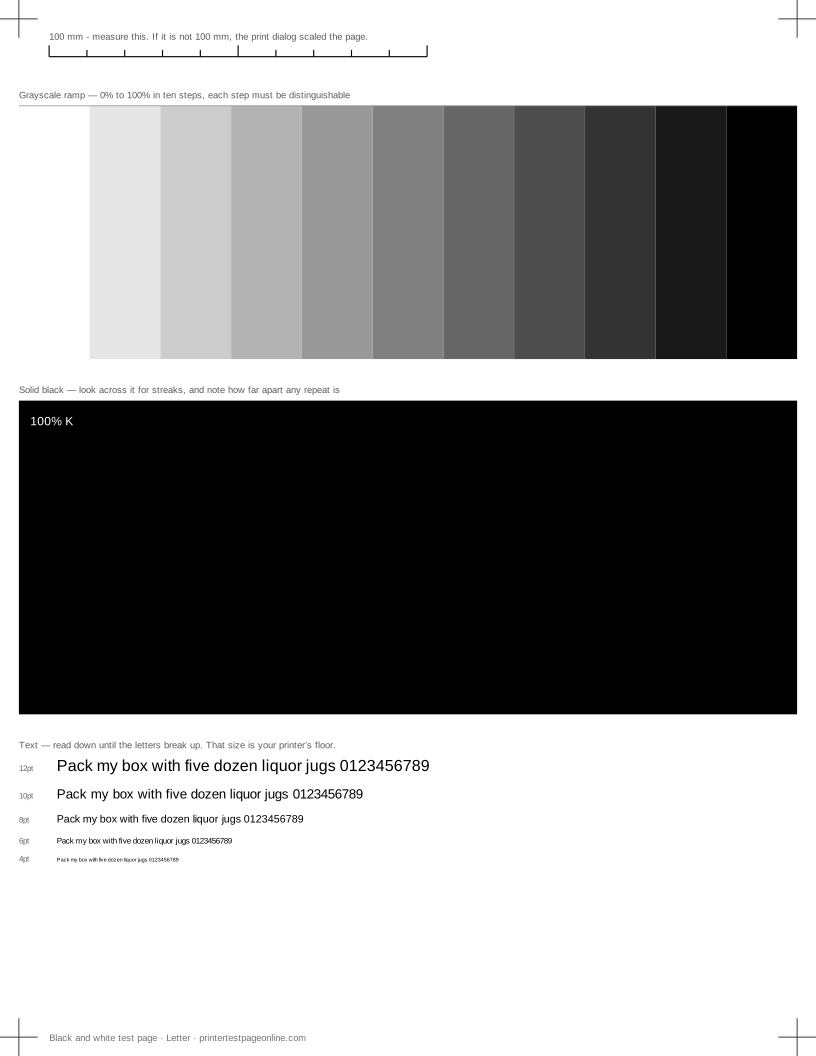
Once the path is clear, printing the alignment sheet below is a quick way to confirm the paper is feeding square again.
Clear it the right way
Power the printer off first. Open the covers the printer tells you to open, and pull the sheet in the direction it was travelling, slowly and evenly with both hands. Pulling backwards drags toner or ink back through the path and can unseat a roller.
If the sheet tears, stop and find every fragment before closing anything. A scrap left behind a roller causes a jam on every subsequent page and is maddening to diagnose because the printer looks clear.
Why it keeps happening
Repeat jams in the same place point at a worn pickup roller, which loses its grip and takes two sheets or none. Repeat jams at the exit on a laser usually mean the fuser or its guides. Repeat jams on the first sheet after a long idle period usually mean humidity: paper that has absorbed moisture sticks together and curls.
A printer that jams only with a particular paper is telling you that paper is too heavy, too light or too curled for its path, not that it is faulty.
Loading paper so it does not jam
Fan the stack before loading it, square it against the guides, and keep it below the fill line. Do not mix sizes or weights in one tray, do not top up a partly used tray without removing and re-squaring the whole stack, and store paper flat in its wrapper rather than open on a shelf.
Guides that are too tight cause jams as reliably as guides that are too loose. They should touch the stack without compressing it.
What a skewed test print tells you
Print the alignment sheet and measure from the top-left crop mark to the paper edge, then the same at the bottom-left. If the two differ, the sheet is feeding crooked, which is the same fault that produces jams a little later in the roller’s life. Squaring the guides is the first fix; a feed roller worn on one side is the next.
Causes, cheapest first
The whole pattern sits crooked on the sheet
| Cause | What to do | Applies to |
|---|---|---|
| The paper guides are not holding the stack square | Square the guides against the stack so the sheet cannot rotate as it feeds, and reprint the alignment page. | both |
| The tray is overfilled or holds mixed sizes | Load one size only and keep the stack below the fill line. | both |
| A feed roller is worn on one side | Measure the offset between the top and bottom crop marks. A consistent offset that grows down the page means the roller, and it is a service part. | both |
More troubleshooting
Frequently asked questions
Why does my printer keep jamming?
Usually a worn pickup roller, damp or curled paper, or a fragment left behind from an earlier jam. Repeat jams in the same place point at a part; repeat jams with one paper point at the paper.
Which way should I pull a jammed sheet?
In the direction it was travelling, slowly, with the printer powered off. Pulling it backwards through the rollers risks unseating them and spreads toner through the path.
Does paper quality matter for jams?
Considerably. Paper that has absorbed moisture curls and sticks, and a stack stored open in a damp room does that within weeks. A fresh sealed ream resolves a surprising share of chronic jams.