
Brother printer test page
Brother machines have a genuinely useful built-in test called the Print Quality Check, which prints blocks for each ink and then asks you, on screen, whether they are acceptable — and offers to run a cleaning cycle if they are not. It is one of the better manufacturer tests, and it is worth running alongside the sheet below rather than instead of it.
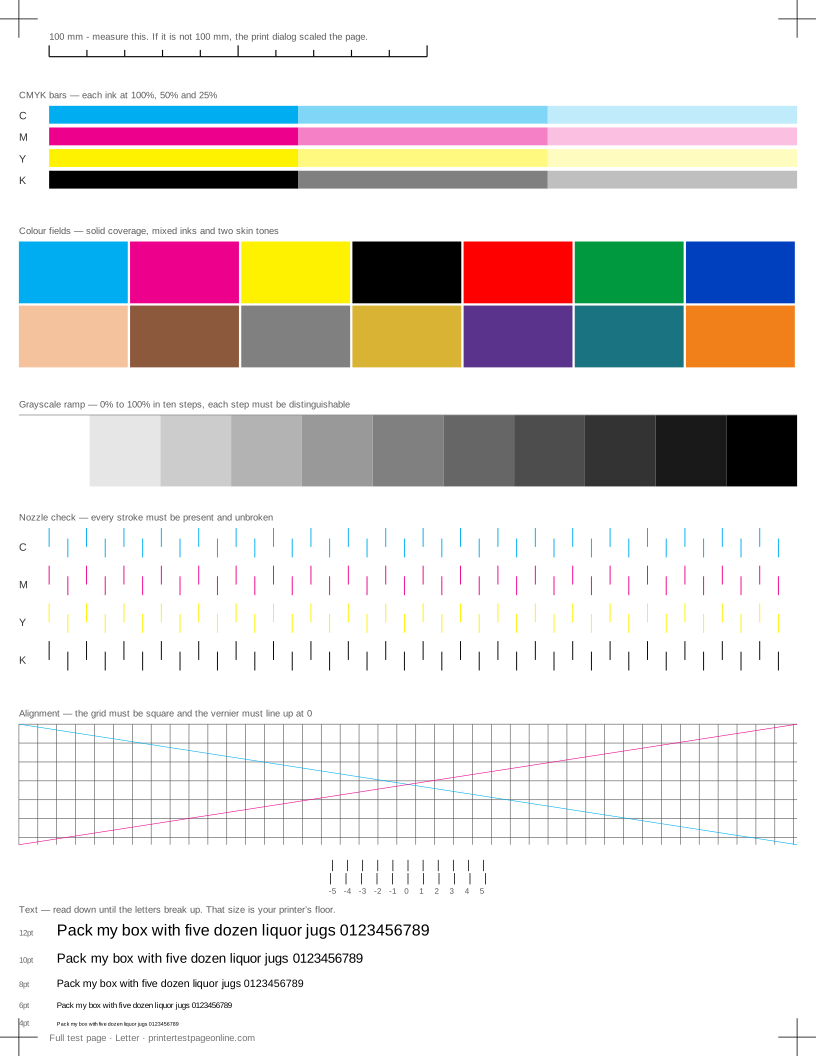
The sheet here adds what Brother’s check leaves out: a measured ruler, an alignment vernier and a text block, plus a diagnosis of what each fault means.
Running Brother’s Print Quality Check
On an inkjet, it is under Ink or Maintenance, then Improve Print Quality or Test Print, then Print Quality. The machine prints its blocks and walks you through a yes-or-no check on each colour. On a laser, the equivalent is under Machine Info or Print Reports, then Print Settings or Test Print.
Brother inkjets also print an alignment check from the same menu, and their prompt-driven approach is easier to follow than most. The place it falls short is scale and text: neither is covered, which is what the sheet on this page adds.
Head cleaning on a Brother inkjet
Brother lets you clean black, colour, or all channels. Cleaning only the channel that failed saves a meaningful amount of ink, and the test page tells you which one that is. The cleaning levels are normal, strong and strongest; the same three-attempt rule applies before you stop and let the machine sit overnight.
Brother inkjets use a fixed head, so a fresh cartridge does not clear a blockage. Replace a cartridge because it is empty, not because the page looks wrong.
Brother lasers and drum units
On Brother laser machines the toner cartridge and the drum unit are separate parts with separate lives, and most print-quality faults come from the drum rather than the toner. Repeating marks down the page at a fixed spacing identify it, and Brother has a drum-cleaning routine in the maintenance menu for marks caused by debris rather than wear.
The drum counter is reset by hand after a replacement. A machine still reporting a drum fault after a new drum has usually just not been told about it.
When the sheet is fine and printing is not
If the test page prints correctly and your documents do not, the fault is above the printer: the application, the driver settings, or the file itself. Print the same document as a PDF and print that; if the PDF is right and the original is not, the problem is in the application rather than the printer.
Other brands
If the sheet shows a fault
Frequently asked questions
How do I print a test page on a Brother printer?
Use the sheet on this page, or on the machine itself go to Ink or Maintenance, then Test Print, then Print Quality on an inkjet; on a laser, Machine Info or Print Reports, then Print Settings.
Why is my Brother printer printing lines?
On an inkjet, blocked nozzles: clean the affected channel and reprint the nozzle check. On a laser, measure the distance between repeats — most Brother line faults come from the drum unit, which is a separate part from the toner.
Can I clean just the black channel on a Brother?
Yes, and you should when black is the only channel at fault. The cleaning menu offers black, colour or all, and cleaning only what is blocked saves ink.