
Canon printer test page
Canon splits its range between printers whose head is built into the cartridge and printers with a separate head, and which one you own decides what a blockage costs. On most PIXMA models using the PG and CL cartridge pairs, the head is in the cartridge and a new cartridge is a new head. On models using the CLI and PGI tanks, and on MegaTank models, the head is a separate part.
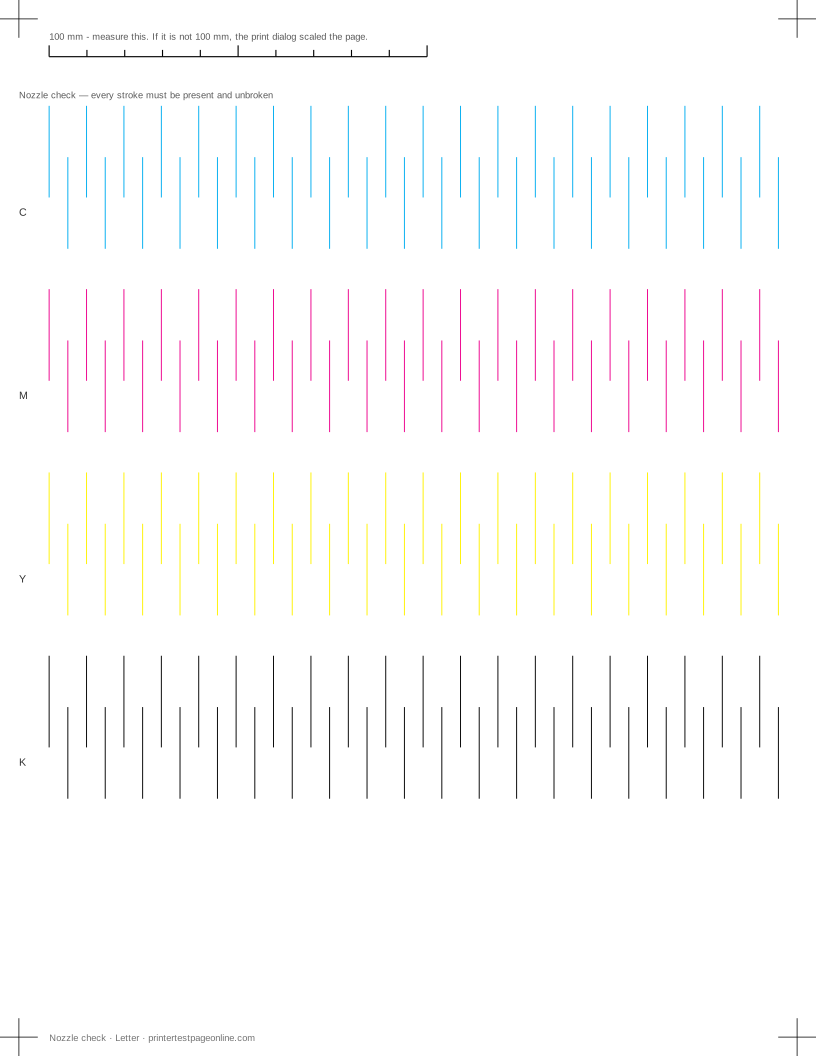
Print the nozzle check below first: it tells you whether a channel is missing before you spend anything.
Canon’s own nozzle check pattern
On the printer, it is usually Setup, then Maintenance, then Print Nozzle Check Pattern. From a computer, it is in the Canon IJ Printer Assistant on Windows or the Canon utility on macOS. On button-only models it is produced by holding Stop or Resume for a set number of flashes, which the manual lists.
Canon’s pattern prints a block grid per ink with a large hatched area below it. A missing line in the grid is a blocked nozzle; a faint or streaky hatched area usually means the same thing at a smaller scale.
Cleaning and deep cleaning
Canon offers Cleaning and Deep Cleaning, and the ink cost difference between them is large. Run Cleaning once, print a nozzle check, and escalate only if that helped and did not finish the job. Deep Cleaning twice in a row is rarely useful and always expensive.
After two failed attempts, leave the printer switched on and idle overnight. The capping station keeps the head moist, and a clog that has not shifted after two cleans will often clear after a night of contact with fresh ink.
Print head alignment on Canon
Canon’s alignment routine prints a sheet of patterns and, on models with a scanner, reads it back automatically. On models without one it asks you to pick the least streaky block by eye, which is hard to judge. Print the alignment page on this site afterwards and read its vernier — it converts that judgement call into a number.
Error codes and cartridge detection
Canon printers report faults as numbered support codes rather than plain language, and the code is worth writing down before you start changing parts. Ink-related codes often mean the cartridge is not recognised rather than empty, which is a seating or chip issue and looks identical on a test page: a whole missing channel with no gradual fading beforehand.
Other brands
If the sheet shows a fault
Frequently asked questions
How do I print a test page on a Canon printer?
Use the sheet on this page, or print Canon’s nozzle check pattern from Setup, then Maintenance, then Print Nozzle Check Pattern.
What is the difference between Cleaning and Deep Cleaning on a Canon?
Deep Cleaning forces considerably more ink through the head. Use Cleaning first and reprint the nozzle check between attempts; reach for Deep Cleaning only when regular cleaning has made a partial improvement.
Does a new cartridge fix a blocked Canon printer?
On PG and CL cartridge models, yes, because the head is in the cartridge. On PGI and CLI tank models and MegaTank models, no — the head belongs to the printer.