
How to check ink levels
Every route to an ink level shows you the same number, and on most printers that number is not a measurement. Cartridges without a physical sensor report a count: the printer tracks how many drops it has fired since the cartridge was installed and subtracts. Page coverage, cleaning cycles and a refilled cartridge all break that arithmetic.
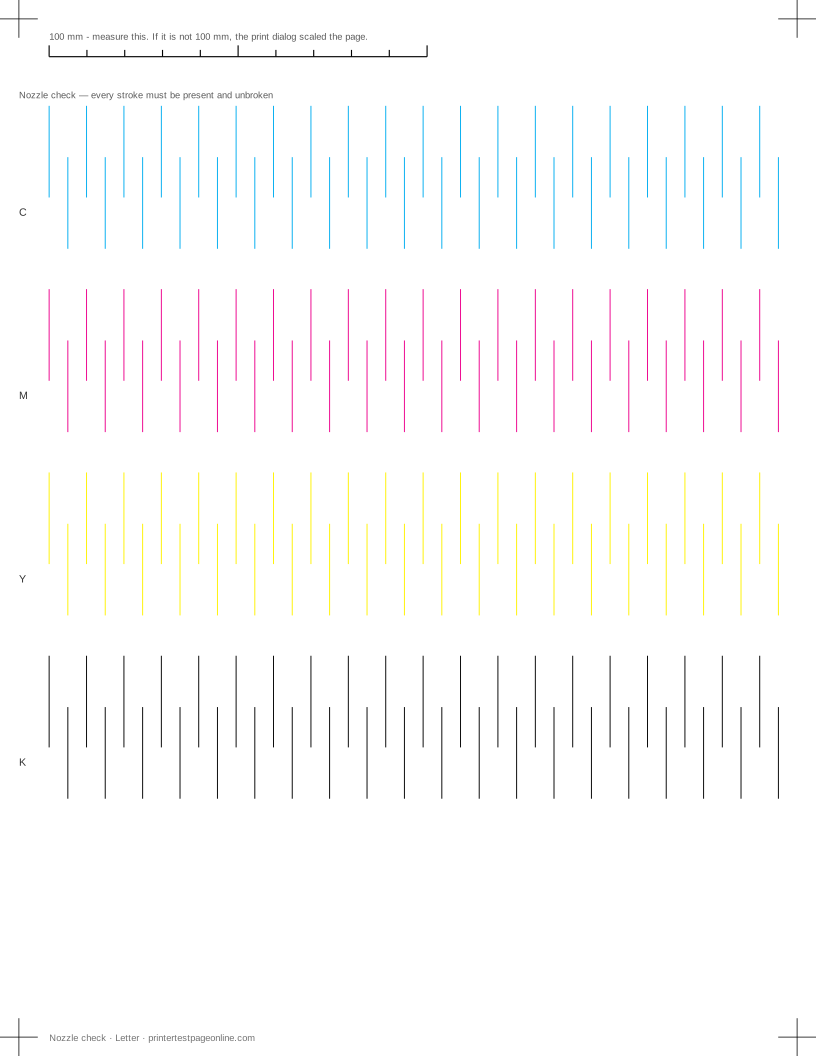
Which is why a nozzle check beats a level reading. The printed page shows what actually reaches the paper; the percentage shows what the firmware believes.
Where the number is displayed
Four places show it, all reading from the same source:
- Printer panel — the fastest and the most direct. Look for Ink, Supplies or Status.
- Windows — Settings → Bluetooth & devices → Printers & scanners, pick the printer, then Printer properties or the maker’s utility. Network printers often expose more detail in their own web page.
- macOS — System Settings → Printers & Scanners → Options & Supplies → Supply Levels.
- The printer’s web page — type the printer’s IP address into a browser on the same network. Nearly every network printer serves a status page with levels and a page count.
Why the estimate drifts
Drop-counting assumes an average page. Print a month of dense photos and the real ink falls far faster than the estimate; print sparse text and it lasts far longer. Head cleaning cycles consume a meaningful amount of ink and are only partly accounted for, so a printer that has been cleaned repeatedly during troubleshooting has less ink than it reports.
Refilled and third-party cartridges break the count entirely, because the chip either reports its original value or nothing. Laser toner is estimated from drum rotations and coverage, which is why a "toner low" warning on a laser can be followed by several hundred more usable pages.
Reading the level from a printed page instead
A nozzle check gives you a per-channel answer the percentage cannot. Every ink prints its own block, so a colour that is genuinely out shows up as a missing or broken block while the others stay solid. Print one, then compare it against the reading on the panel — if the panel says 40% and a channel is missing, trust the paper.
The distinction matters because the two faults have different fixes. An empty cartridge needs replacing; a full cartridge printing nothing is a clogged head or an unseated cartridge, and replacing it wastes money without fixing anything.
Making a cartridge last
Print something at least once a fortnight. Inkjet heads clog because ink dries in nozzles that are never used, and the cleaning cycle needed to recover costs more ink than the pages you avoided printing. A regular light print keeps every channel moving.
Beyond that: use draft mode for anything internal, keep the printer somewhere stable rather than in direct sun, ignore the first low-ink warning and let the print quality tell you when the cartridge is actually done, and keep a spare only for the colour that runs out first — usually black, or cyan in printers used for photos.
More troubleshooting
Frequently asked questions
Are printer ink level readings accurate?
On most consumer printers, no. They estimate from a drop count rather than measuring the ink, so cleaning cycles, page coverage and refilled cartridges all push the figure away from reality.
How do I check ink levels without the software installed?
Use the printer panel, or open the printer’s IP address in a browser on the same network. Almost every network printer serves a status page with supply levels.
My printer says ink is low but prints fine. Should I replace it?
Not yet. Keep printing until quality drops or a nozzle check shows a broken channel. The warning is a threshold in an estimate, not a measurement of an empty cartridge.