
Why is my printer offline?
Offline is almost always the computer’s opinion rather than the printer’s. The printer failed to answer once — because it was asleep, because its address changed, or because the Wi-Fi dropped for a second — and the operating system latched that state and stopped trying. The printer is usually sitting there perfectly healthy.
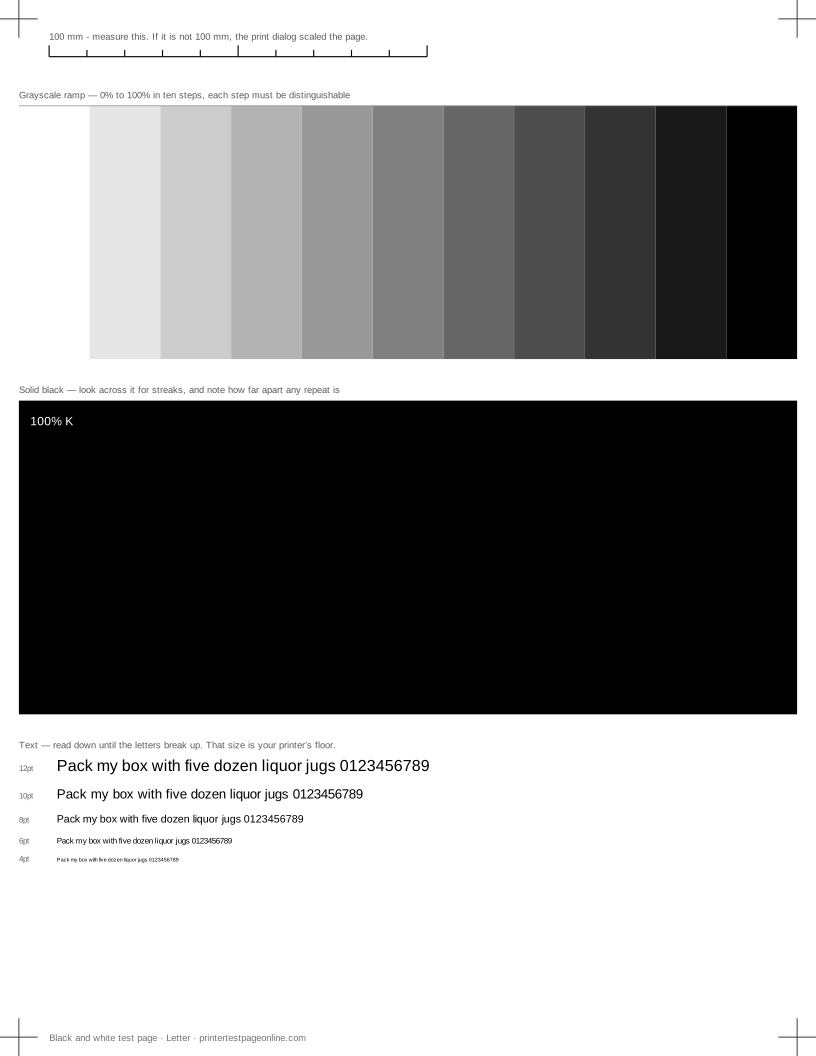
That is why the fixes below are mostly about the computer, and why the last step is printing a test page: once something comes out, you know the whole path is working again.
Fix it on Windows, in order
Open Settings, then Bluetooth and devices, then Printers and scanners, and select the printer. Open the print queue and check the Printer menu for Use Printer Offline — if it is ticked, untick it, and the queue usually recovers immediately. Cancel every stuck job in the queue while you are there; one failed job at the front blocks everything behind it.
If that does not clear it, restart the Print Spooler service from Services, which resets the queue completely. Then remove the printer and add it again — a re-add picks up the printer’s current address rather than the one it had when it was first installed.
Fix it on macOS
Open System Settings, then Printers and Scanners. Remove the printer with the minus button and add it again with the plus button, choosing the printer from the discovered list rather than by its old address. macOS has no offline checkbox to clear, so removing and re-adding is the equivalent step.
If the printer does not appear in the list at all, the problem is the network rather than the queue, and the next section applies.
The cause almost nobody checks: the IP address
A network printer is usually added by IP address, and most home routers hand out addresses that expire. When the printer gets a different address after a power cut, the computer keeps trying the old one and reports offline. Nothing on the printer is wrong.
The permanent fix is to give the printer a fixed address: either a static address set in the printer’s own network menu, or a DHCP reservation in the router so it always receives the same one. Do this once and the problem does not come back. Printing the printer’s network configuration page shows which address it currently holds.
Sleep, USB and Wi-Fi
Deep sleep modes on some printers stop them answering quickly enough, and the computer decides they are gone. Turning sleep off, or raising the sleep delay, fixes a printer that is reliably offline first thing in the morning and fine afterwards.
On USB, try a different port and a different cable before anything else; a marginal cable produces exactly this symptom intermittently. On Wi-Fi, check the printer is on the same network and band the computer is on — a printer on a 2.4 GHz guest network cannot be reached from a 5 GHz main network.
Confirm with a test page
Once the queue shows Ready, print a test sheet. It confirms the entire path end to end, and if the sheet also shows a quality fault you will find it now rather than in the middle of something urgent.
More troubleshooting
Frequently asked questions
Why does my printer say offline when it is on?
The computer asked and did not get an answer in time, usually because the printer was asleep or its network address changed, and it latched the offline state. The printer itself is generally fine.
How do I get my printer back online?
Clear Use Printer Offline in the queue, cancel stuck jobs, restart the print spooler, then remove and re-add the printer. On macOS, remove and re-add is the first step.
Why does my printer keep going offline?
Its network address keeps changing. Give it a static address in the printer’s network menu or a DHCP reservation in the router and the problem stops recurring.
Does going offline mean the printer is broken?
Almost never. It is a communication state on the computer, not a hardware fault. Print the printer’s own self-test to confirm the hardware is fine.