
Printer printing blank pages
A blank page means the paper path is working and the ink or toner is not reaching it. That is a much shorter list of causes than "the printer is broken", and the first item on it costs nothing to check.
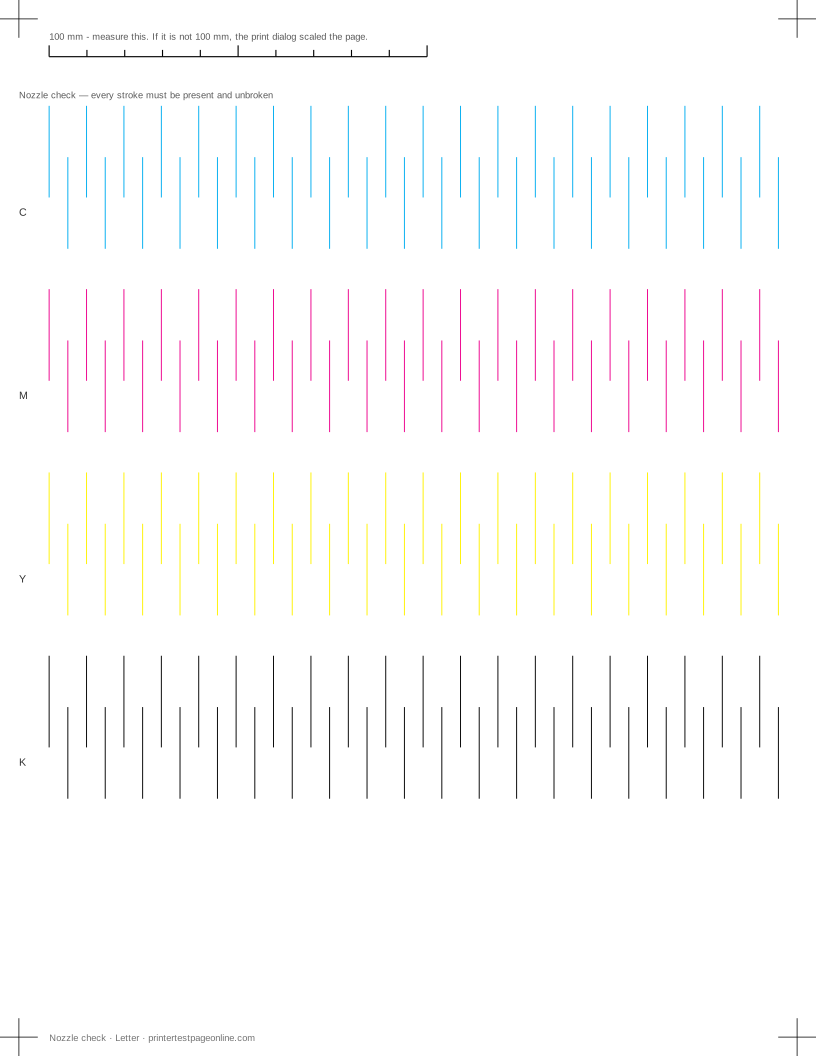
Print the nozzle check below after each change. It is the fastest way to see whether ink has started reaching the paper again, even when a full page still looks empty.
Check the cartridge seals first
Every new cartridge ships with tape, a clip or a plastic seal over the outlet, and some of them are nearly invisible once the cartridge is in place. Take each cartridge out and look at the underside. On laser toner there is usually a pull tab that has to come all the way out before the cartridge will release toner at all.
This is the single most common cause of a blank page on a printer that was working before a cartridge change, and it costs nothing to rule out.
Confirm the job went to the right printer
A blank page can mean the page really was blank. Check that the job went to the printer in front of you and not to a PDF writer, a fax driver or a second printer with a similar name. Print the test page from this site rather than a document — it cannot be blank by mistake.
If the page that comes out has the footer line from our sheet on it but nothing else, ink is reaching the paper somewhere and the fault is partial rather than total.
A dried print head
On an inkjet that has sat unused for weeks, ink dries in the nozzles and nothing reaches the paper. Run one cleaning cycle and print the nozzle check. If a few strokes appear, ink is moving and a second cycle is worth running. If the check is completely blank after two cycles, leave the printer switched on and idle overnight so fresh ink can soften the blockage, then try once more.
Do not run cleaning cycles back to back beyond three. Each one uses a real amount of ink, and a head that has not responded will not respond to a fourth.
Laser printers that print blank
On a laser, a blank page usually means the toner cartridge is finished, the drum unit has failed, or a transport lock is still fitted. There are no nozzles to clean. Check the toner level, remove and rock the cartridge gently side to side to redistribute what is left, and look for orange plastic transport parts that should have been removed at installation.
Causes, cheapest first
The page came out completely blank
| Cause | What to do | Applies to |
|---|---|---|
| Tape or a seal is still on a new cartridge | Pull the cartridge and check every tab before anything else. | both |
| The head has dried out after a long idle period | Run two cleaning cycles an hour apart; if the nozzle check is still blank, the head needs servicing. | inkjet |
| The job went to a different printer or a virtual one | Check which printer the job went to, and that it is not set to print to file or to a PDF writer. | both |
More troubleshooting
Frequently asked questions
Why is my printer printing blank pages when it has ink?
Reported ink levels are an estimate and mean very little. A full cartridge with a blocked head, a seal still fitted, or a chip the printer will not accept all read as "has ink" while printing nothing.
Will cleaning the print head fix blank pages?
It will if the cause is a dried head, which is common after weeks of disuse. Run one cycle, check the nozzle page, and stop after three.
My laser printer prints blank pages. What now?
Check for a transport lock on a new cartridge, then the toner level, then the drum unit. Cleaning cycles are an inkjet concept and do nothing here.