
Printer maintenance checklist
Most printer faults are not failures, they are neglect with a delay. Dried nozzles, damp paper, a glazed pickup roller and a dusty paper path account for the large majority of the problems people troubleshoot, and all four are prevented by a routine that takes a few minutes a month.
The checklist below is deliberately short. A maintenance routine you actually follow beats a thorough one you abandon in February.
Every fortnight: print something
On an inkjet, this is the single highest-value habit there is. Ink dries in nozzles that sit unused, and once a channel is fully clogged, recovering it costs several cleaning cycles — each of which uses more ink than months of light printing would have. One colour page every two weeks keeps every channel moving.
Laser printers do not clog, but they do benefit from being used: toner settles and the drum sits in one position. A page a fortnight is also how you notice a developing fault while it is still small.
Monthly: a test sheet and a look inside
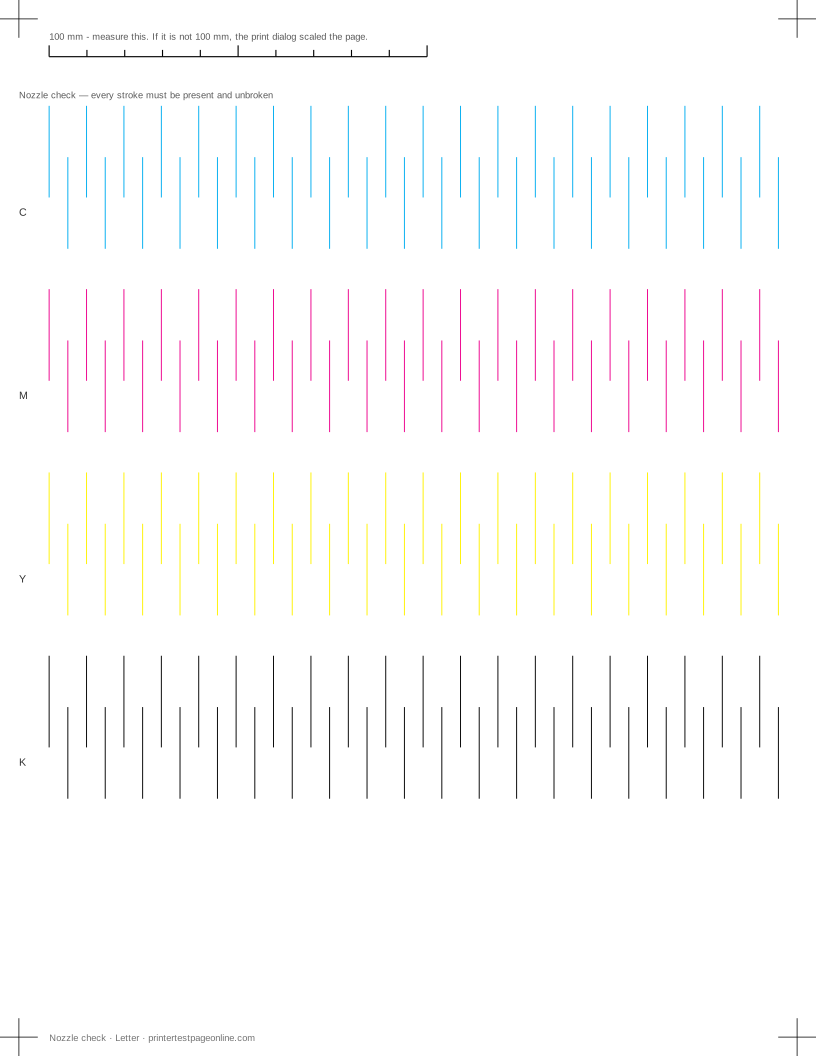
Print a full test sheet and keep it. A sheet on its own tells you the printer is healthy today; a small stack of dated sheets tells you which channel is drifting, and gives you a real reference to hold against a page when something goes wrong later.
Then spend two minutes on the inside: open the covers and remove paper dust with a dry cloth or a few short bursts of air, check the tray for a fragment left behind by an old jam, and wipe the pickup roller with a lightly damp lint-free cloth if it looks glazed. Do not use solvents, and do not touch an inkjet’s encoder strip with anything wet.
Yearly: paper, firmware and consumables
Replace the open ream. Paper absorbs moisture from the air, and damp paper curls, sticks, jams and skews — a ream left open in a humid room causes faults that look like hardware failures. Store paper sealed and flat, not standing on edge.
Check for a firmware update on a network printer, since connectivity and security fixes ship there. On a laser, plan for the drum and the fuser as well as the toner: the drum typically outlasts several cartridges and the fuser longer still, but both are wear items and both produce repeating marks down the page when they go.
What not to do
Do not run head cleaning as a routine. It is a repair, not maintenance: every cycle flushes ink through the nozzles and into the waste pad, and a printer cleaned monthly out of habit reaches the end of its waste pad life years early. Clean when a nozzle check shows a broken channel, and not before.
Do not power an inkjet off at the wall. Printers park and cap the head during their own shutdown sequence, and cutting power skips it, leaving the nozzles exposed to air. Use the printer’s own power button and let it finish.
Do not leave a printer somewhere hot, sunlit or dusty, and do not stack paper on top of it. Airflow and a stable temperature cost nothing and prevent a surprising share of faults.
More troubleshooting
Frequently asked questions
How often should I use my inkjet printer to stop it clogging?
Print at least one page using every colour once a fortnight. That is cheaper in ink than the cleaning cycles needed to recover a clogged channel.
Should I run print head cleaning regularly?
No. Cleaning is a repair that consumes ink and fills the waste pad. Run it only when a nozzle check shows gaps or a missing colour.
Does paper storage really matter?
Yes. Paper absorbs moisture, and damp paper curls, sticks together and skews as it feeds. Keep reams sealed and flat, and replace an open ream that has been sitting in a humid room.